makis
January 2, 2023, 8:19am
41
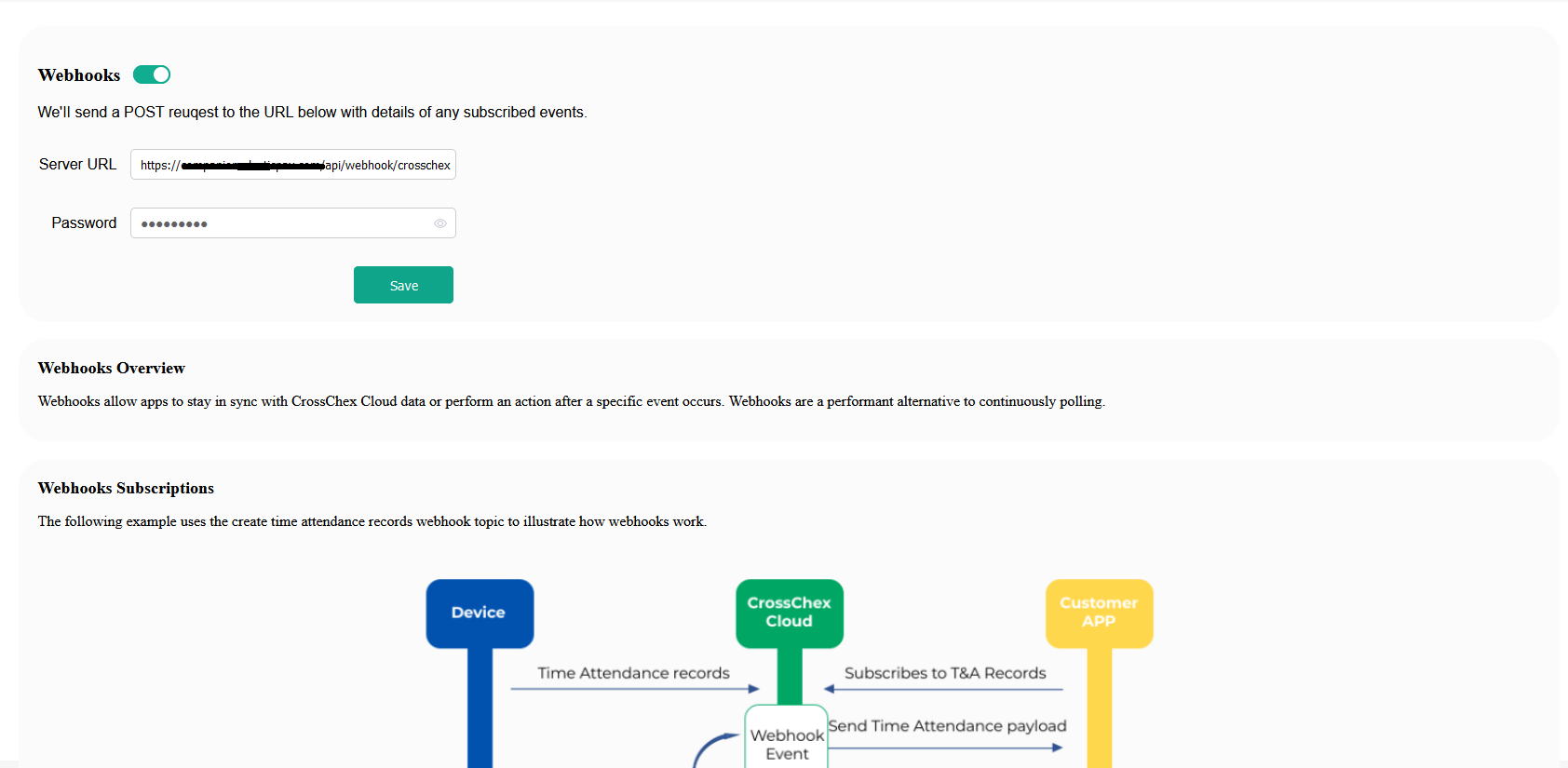
Ok . Lets see… There are a lot of problems with your platform1.
After editing & refresh page
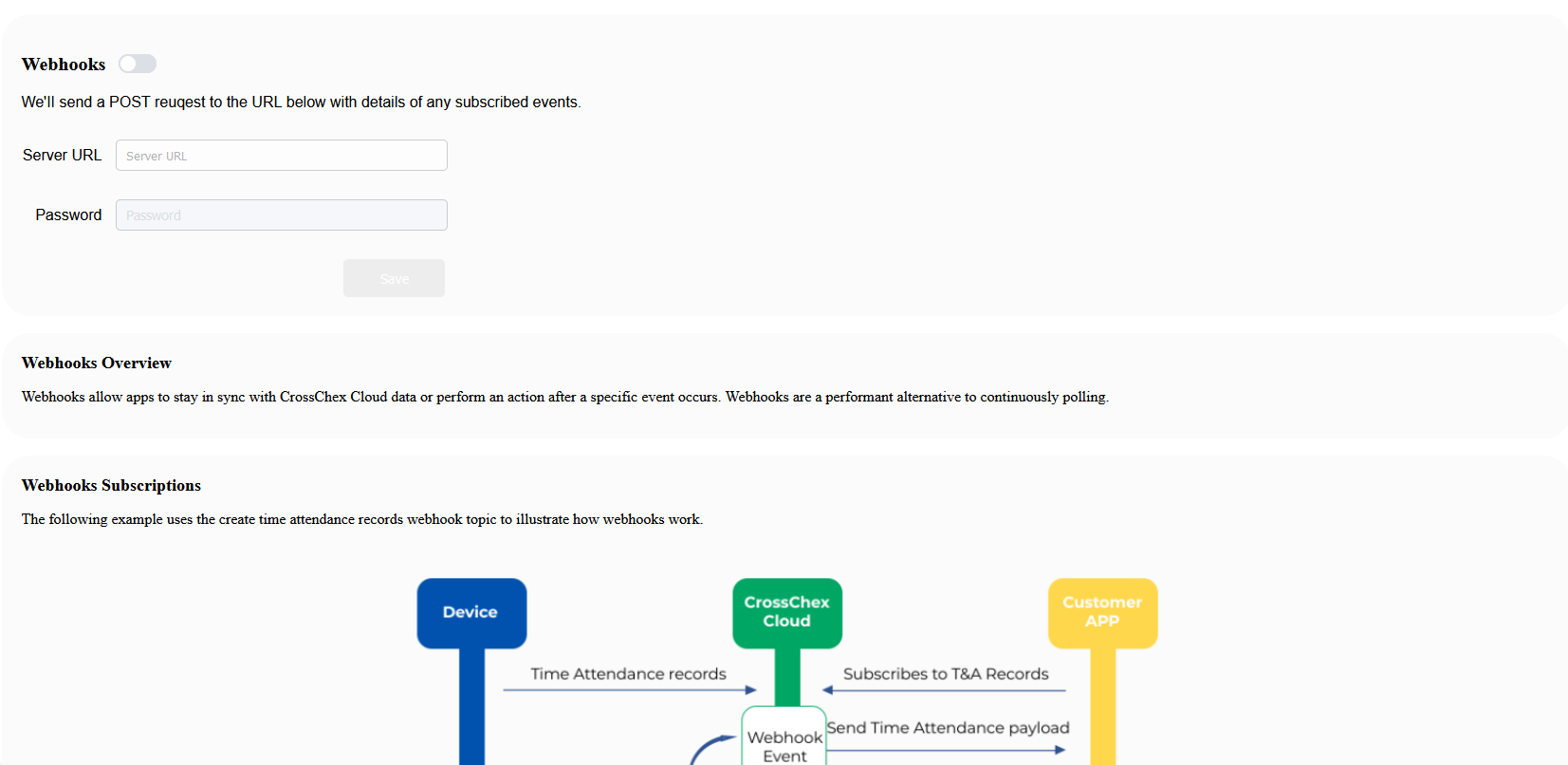
So … These credentials are not stored at all??
2. CrossChex Cloud I can see this
First of all both are now empty.
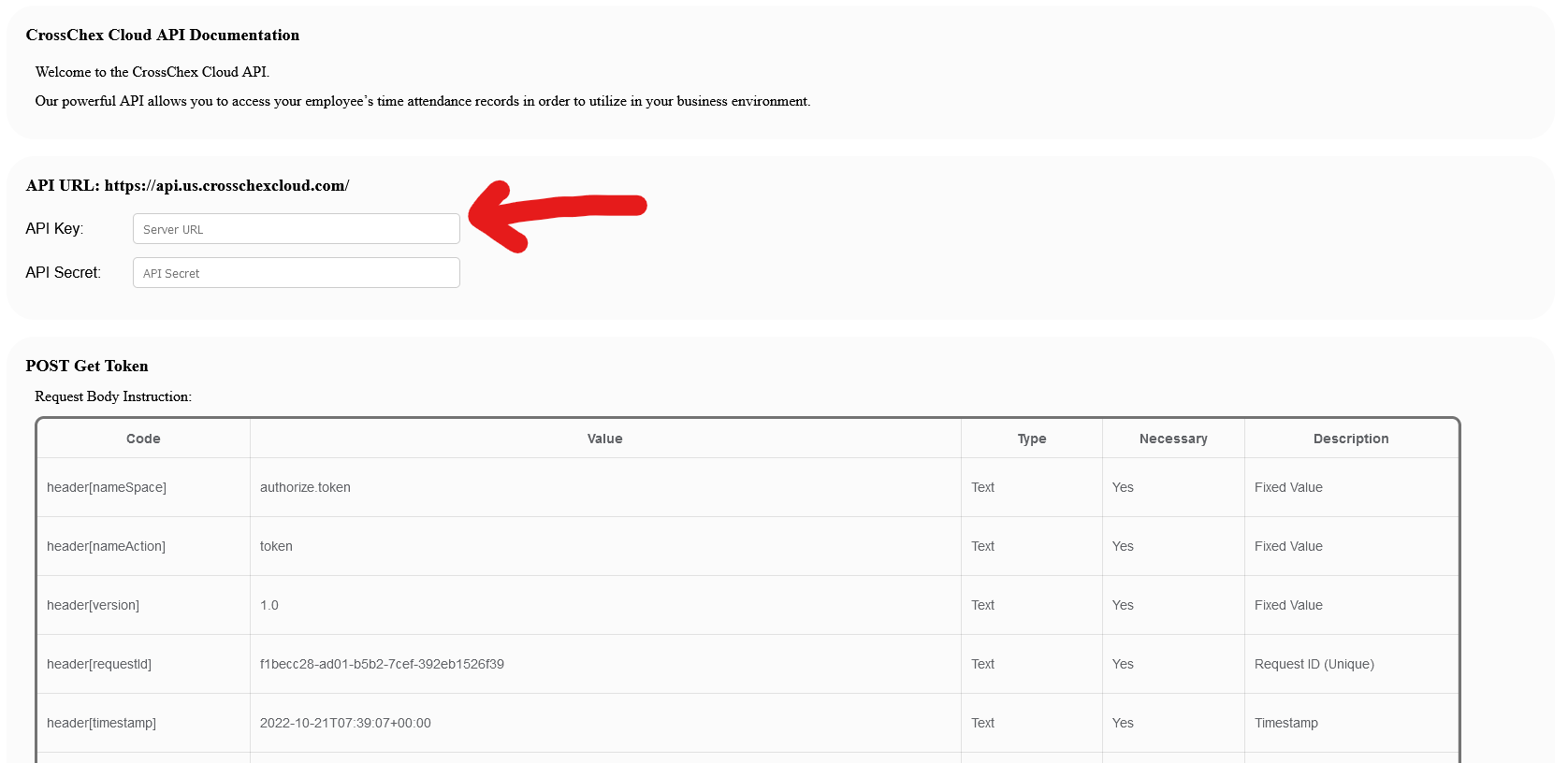
Second . The API Key placeholder saying Server Url!!!
So .Where can I get my API’s credentials…
3 AND MOST IMPORTAND.
To avoid conflicts I used the api credentials that I get the first time when you activate my developer mode… After that a you can see the’ re gone!
Please you need to fix these bugs so we can use the api asap…
Hi @makis
We already solve the issues, Now the server url can be save. Please reset the webhooks URL and password.
1 Like
makis
January 4, 2023, 4:15pm
43
1 Like
Hi, could you enable me the Developer Mode tab please? My account is 110000433
Hi @fabiola.gonzalez
My colleague @Felix_Anviz will provide it.
Thanks!
Hi @fabiola.gonzalez
Developer mode enabled for your account
Thank you, Leonardo. Replying to confirm that developer tab is now showing in my account
1 Like
thebest
February 24, 2023, 9:19pm
48
Hello, i Need to enable developer mode in my account: 210002350
inpq
March 8, 2023, 12:28pm
49
Hello,
demosp
April 28, 2023, 6:21am
50
I’m really interested to try this solution, please activate Developer Mode on my account, Company ID = 110007022
Hi @demosp
All accounts are already able to activate developer mode directly, please check at SETTINGS > Developer Mode
Let me know if you cannot see it
makis
May 4, 2023, 3:59pm
52
Your sql connection seems down last few days …host:3306=crosschexcloud-us-cluster.cluster-cenq1vrvw2sl.us-west-2.rds.amazonaws.com ) can not to connected!) file(/var/www/swoft/vendor/swoft/db/src/Connector/MySqlConnector.php) line (41) file=/var/www/swoft/vendor/swoft/connection-pool/src/AbstractPool.php line=265”
Please I kindly asking you , is there any change to build a more stable api?
1 Like
HI @makis
Please try again. We already fixed the connection. Thanks for your information.
1 Like
Hi! please enable the webhook and the api, Our company id is 110006774. Thank you
@ohayo04.jd you can enable it from your side directly already, at Settings Tab
Thanks
do i need to enable developer mode on my account
Hi @914aystern
Yes, jus enable it on your account and follow the steps in this tutorial
Let us know if it works
Hi it is already enabled. Sir I need to make the api work but I am not getting any data when I request using the given api key and secret and the endpoint. Could you please assist me step by step because we really need the api to work. Thanks
@Felix_Anviz can you please assist?
thanks
@ohayo04.jd Did you have connect with hardware on the cloud system and please provide us the compnay ID we will check the detail for you.
1 Like
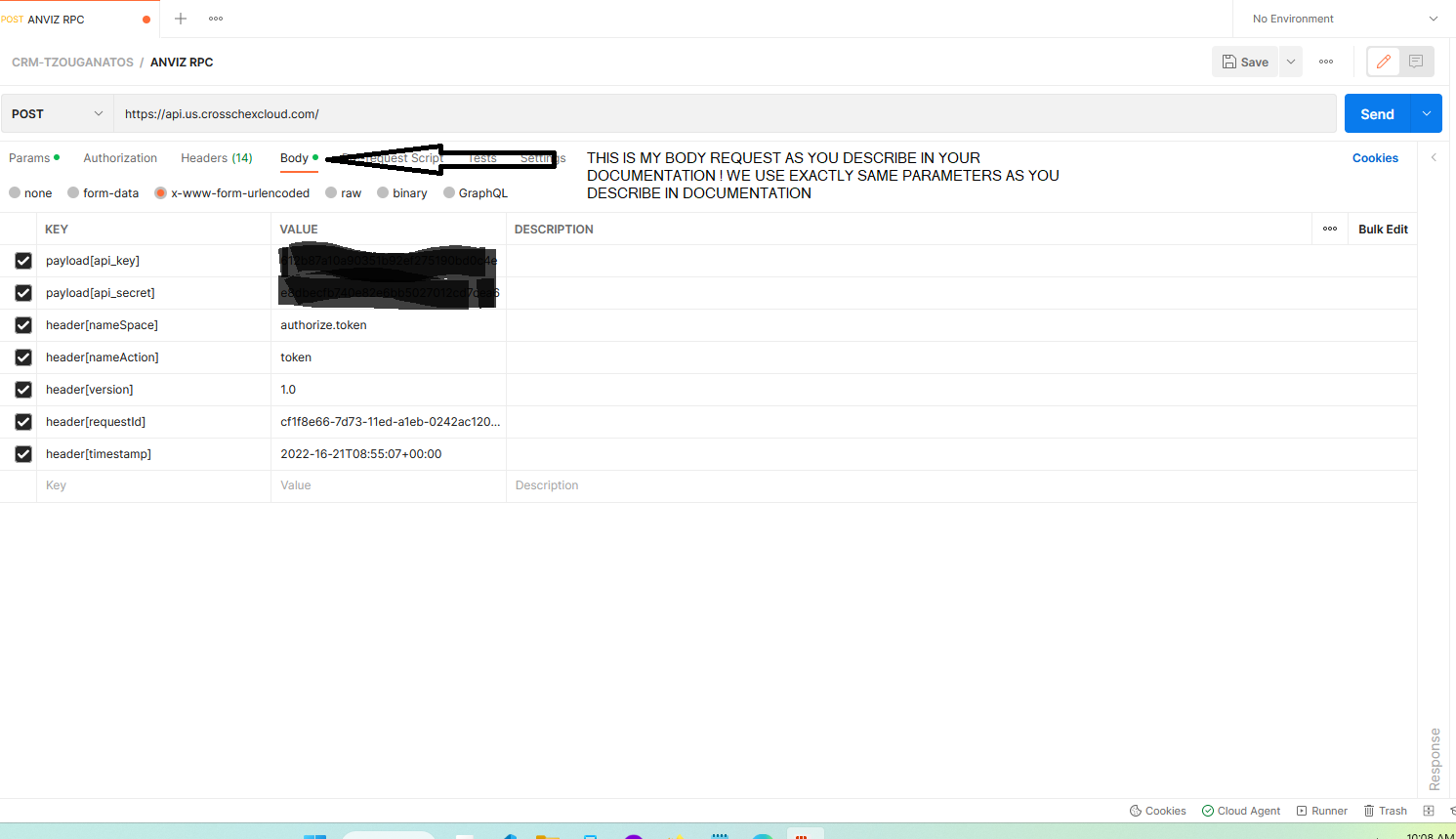
 Great!! It’s working! Thank you…
